Viewing the line-by-line revision history for a file
1Click to open the file whose line history you want to view.not checkable
Covered by the start URL (a file in the repository).
2Above the file content, click Blame.accurate
VerdictThe literal pass failed once, but the route Kane found is the doc's own route. Treated as a flaky run, not drift.
What Kane did
Literal failed
action · 9.2 cr · 117s- navigate: Navigate to https://github.com/expressjs/express/blob/master/Readme.md
- wait: PRIMARY: wait for the element whose visible label is exactly 'Blame' to become v
- wait: Waiting after checking for the element whose visible label is exactly 'Blame'
The run stopped because its page-state check said it was on an Activity page without Blame, even though the captured page shows the Readme file with a Blame control.
Follow these steps literally, one at a time, from the current page. Click only what each step names. Never type a URL, search, or take another route.
1. Click the element whose visible label is exactly 'Blame'.
Then store the main heading of the page you end on as 'landed_on'.
Goal passed
testing · 18.5 cr · 74s- navigate: Navigate to https://github.com/expressjs/express/blob/master/Readme.md
- click: Clicking the Blame button to open the line-by-line blame view
- wait: PRIMARY: wait for the blame page heading "Readme.md" to load
- analyze: ANALYZE(textual_visual, 'Get the main heading of the page you end on and save as
- assert: a line-by-line blame view, with code grouped by commit, is visible.
opened the Readme.md blame view on GitHub
Clicked, per the evidence pack: Blame
Goal: a line-by-line blame view, with code grouped by commit, is visible. Reach it from the current page by clicking through the visible UI, by any route. Never type a URL or use the address bar.
Hint: an old tutorial said "Above the file content, click Blame.", but those labels may have moved or been renamed.
When the goal is met, store the main heading of the page you end on as 'landed_on', then verify the goal on screen.
3To return to the raw code view, above the file content, click Code.accurate
VerdictKane followed the doc's exact words and reached the goal.
What Kane did
Literal passed
action · 20.1 cr · 81s- navigate: Navigate to https://github.com/expressjs/express/blame/master/Readme.md
- click: Clicking Code link in repository navigation
- wait: PRIMARY: wait for the repository page heading to load
- analyze: ANALYZE(textual_visual, 'The main heading of the page you end on is saved as {{l
- wait: Waiting after completion
opened Code on github.com
Clicked, per the evidence pack: Code
Follow these steps literally, one at a time, from the current page. Click only what each step names. Never type a URL, search, or take another route.
1. Click the element whose visible label is exactly 'Code'.
Then store the main heading of the page you end on as 'landed_on'.
4If you are viewing a Markdown file, above the file content, you can also click Preview to return to the view with Markdown formatting applied.false alarm
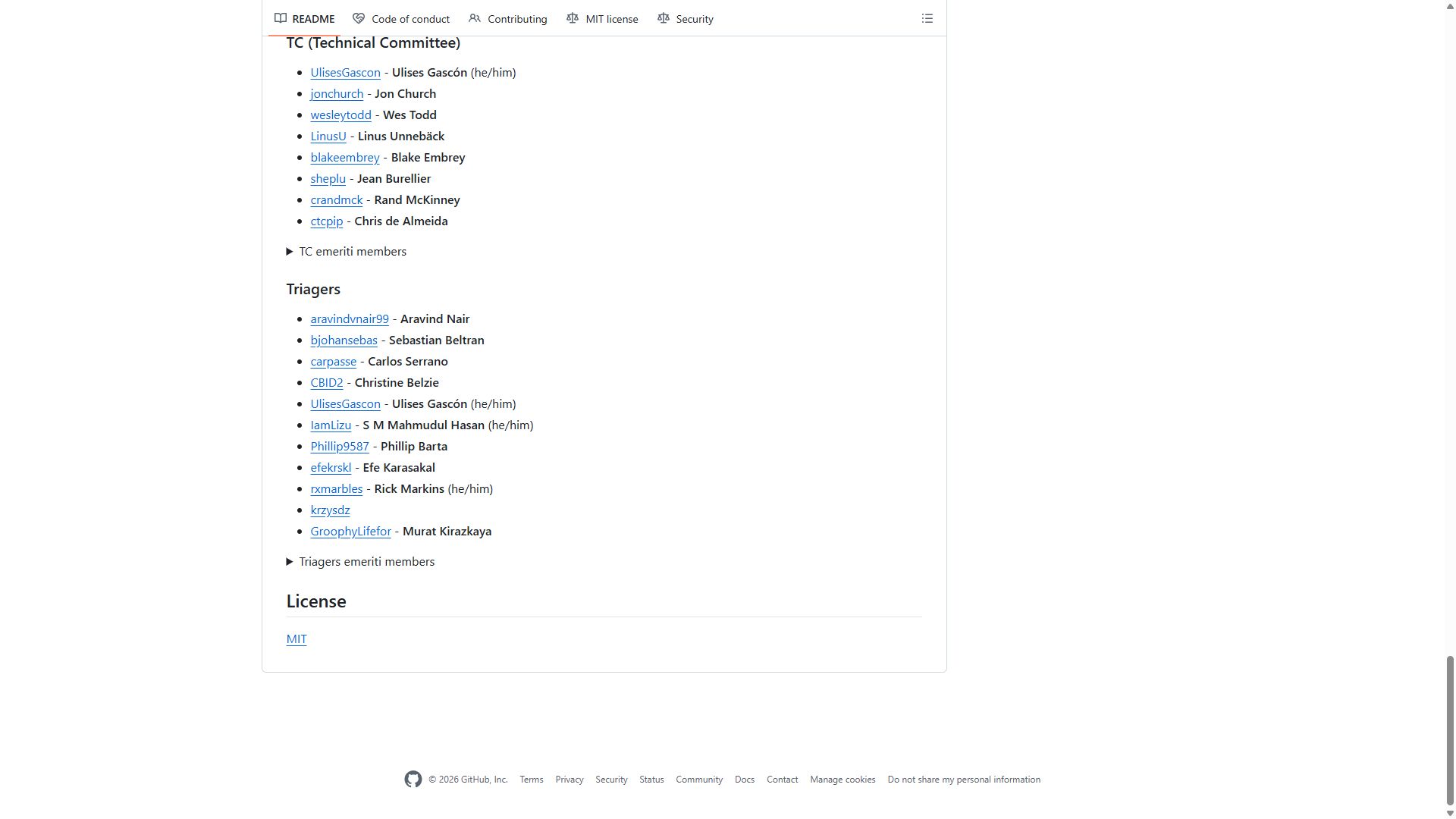
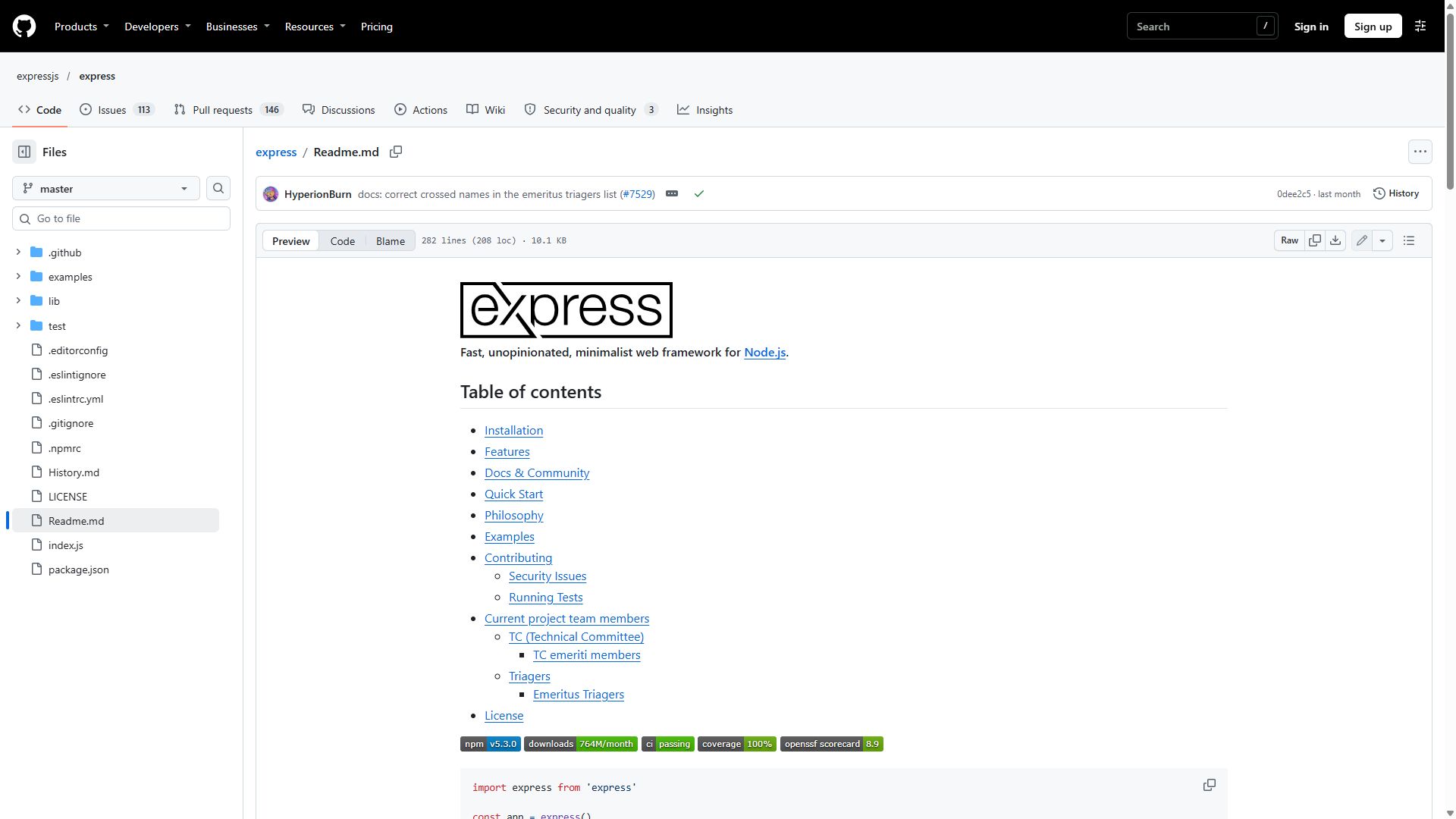
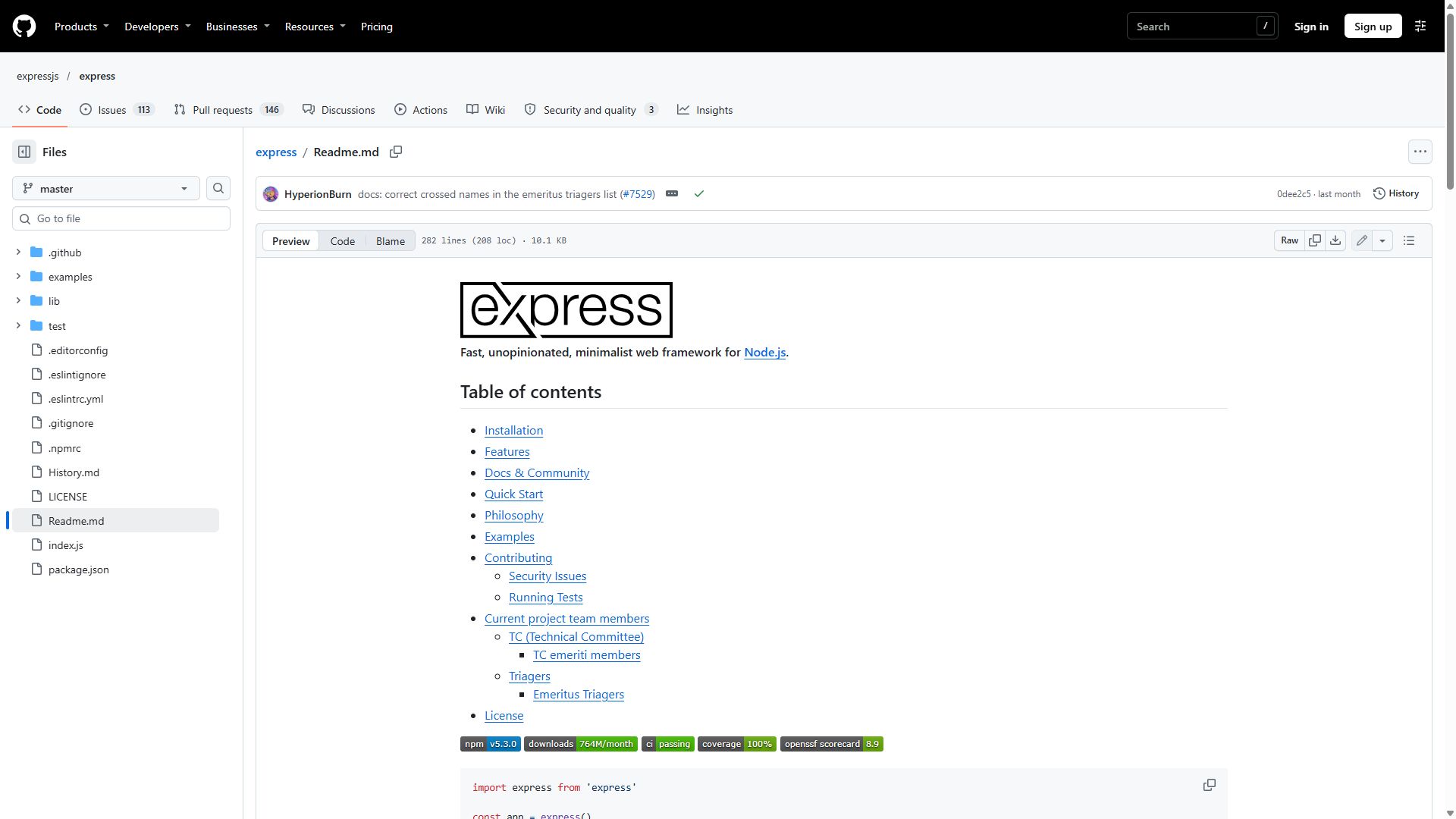
Errata saiddrifted, with a rewrite: “Click Readme.md.”
ReviewFalse alarm. Errata bug, not a docs error: step 3 says to click Code above the file content, but given only the label, Kane clicked the repository Code tab (a second Code on the page), so step 4 started on the wrong page. Kane now also gets the doc sentence as context. Re-run with the fix (runs/2026-11-16/rerun): all 3 steps accurate.
Approved byDarkfallx
What Kane did
Literal failed
action · 20.5 cr · 79s- navigate: Navigate to https://github.com/expressjs/express
- scroll: Scrolling to Preview section
- scroll: Scrolling to Preview
- scroll: Scrolling to the Preview section
- wait: Waiting after checking for the element whose visible label is exactly 'Preview'
The run expected a visible “Preview” control on the Express repository page, but that page does not provide one.
Kane's screenshot at the end of this run, from its sealed evidence pack
Follow these steps literally, one at a time, from the current page. Click only what each step names. Never type a URL, search, or take another route.
1. Click the element whose visible label is exactly 'Preview'.
Then store the main heading of the page you end on as 'landed_on'.
Goal passed
testing · 22.7 cr · 108s- navigate: Navigate to https://github.com/expressjs/express
- click: Clicking Readme.md in the folders and files list
- wait: PRIMARY: wait for the Markdown file with formatting applied to finish loading
- analyze: ANALYZE(textual_visual, 'The main heading of the page you end on is saved as {{l
- assert: The Markdown file is shown with formatting applied.
opened the formatted Readme.md file on GitHub
Clicked, per the evidence pack: Readme.md
Kane's screenshot at the end of this run, from its sealed evidence pack
Goal: the Markdown file is shown with formatting applied. Reach it from the current page by clicking through the visible UI, by any route. Never type a URL or use the address bar.
Hint: an old tutorial said "If you are viewing a Markdown file, above the file content, you can also click Preview to return to the view with Markdown formatting applied.", but those labels may have moved or been renamed.
When the goal is met, store the main heading of the page you end on as 'landed_on', then verify the goal on screen.
Proof · loop 1 passed
action · 19.5 cr · 102s- navigate: Navigate to https://github.com/expressjs/express
- click: Clicking Readme.md
- wait: PRIMARY: wait for the heading "Readme.md" to be visible
- analyze: ANALYZE(textual_visual, 'The main heading of the page you end on is stored as {{
- wait: Waiting after confirming the Readme.md page heading
opened Readme.md on GitHub
Clicked, per the evidence pack: Readme.md
Kane's screenshot at the end of this run, from its sealed evidence pack
Follow these steps literally, one at a time, from the current page. Click only what each step names. Never type a URL, search, or take another route.
1. Click the element whose visible label is exactly 'Readme.md'.
Then store the main heading of the page you end on as 'landed_on'.